

How to connect card payments on a website. Payment systems in Ukraine 2026. Monobank, LiqPay, WayForPay


You launched an online store, but customers leave items in the cart? The problem may not be the assortment or prices, but the simple lack of convenient payment. Without connected acquiring, you lose up to 70% of potential sales.
Connecting a payment system is not just a "technical thing for a checkbox". It is automation of incoming payments: the client clicks "Pay", the money instantly goes to the account, the order is automatically processed - and this works around the clock, without your involvement. You save hours on processing, and the customer gets what they want - quickly, simply, safely, even at three in the morning or on a weekend.
In this article we explain everything about payment systems in Ukraine: what they are, how they work, what types exist and how much connection costs. Most importantly - we compare 7 of the most popular providers (Monobank, LiqPay, WayForPay, PROSTIR, Fondy, 4bill and EasyPay) by fees and connection speed. So you can choose the optimal option and start accepting payments as soon as tomorrow.
Payment systems in Ukraine: how they work
A payment system is a technological infrastructure that allows money to be transferred quickly, securely and conveniently between people, companies and banks. Simply put, it is an intermediary that ensures your money moves from point A to point B without losses or delays.
Payment system ≠ Bank. What is the difference?
A payment system does not attract public funds as deposits and does not issue loans at its own expense. It provides the "rails" along which your money moves during transactions. The client's money always remains within the banking system, while the payment service acts as a reliable "courier" that guarantees speed and security of delivery.
What payment systems operate in Ukraine
In this section we look at types of payment systems in general. Below we will move on to specific acquiring services that can be connected to accept payments on a website.
Which one should you choose? For regular purchases in a Ukrainian online store, the "gold standard" is the combination of Visa/Mastercard + Apple Pay/Google Pay. If you target the international market - pay attention to Wise.
What is internet acquiring
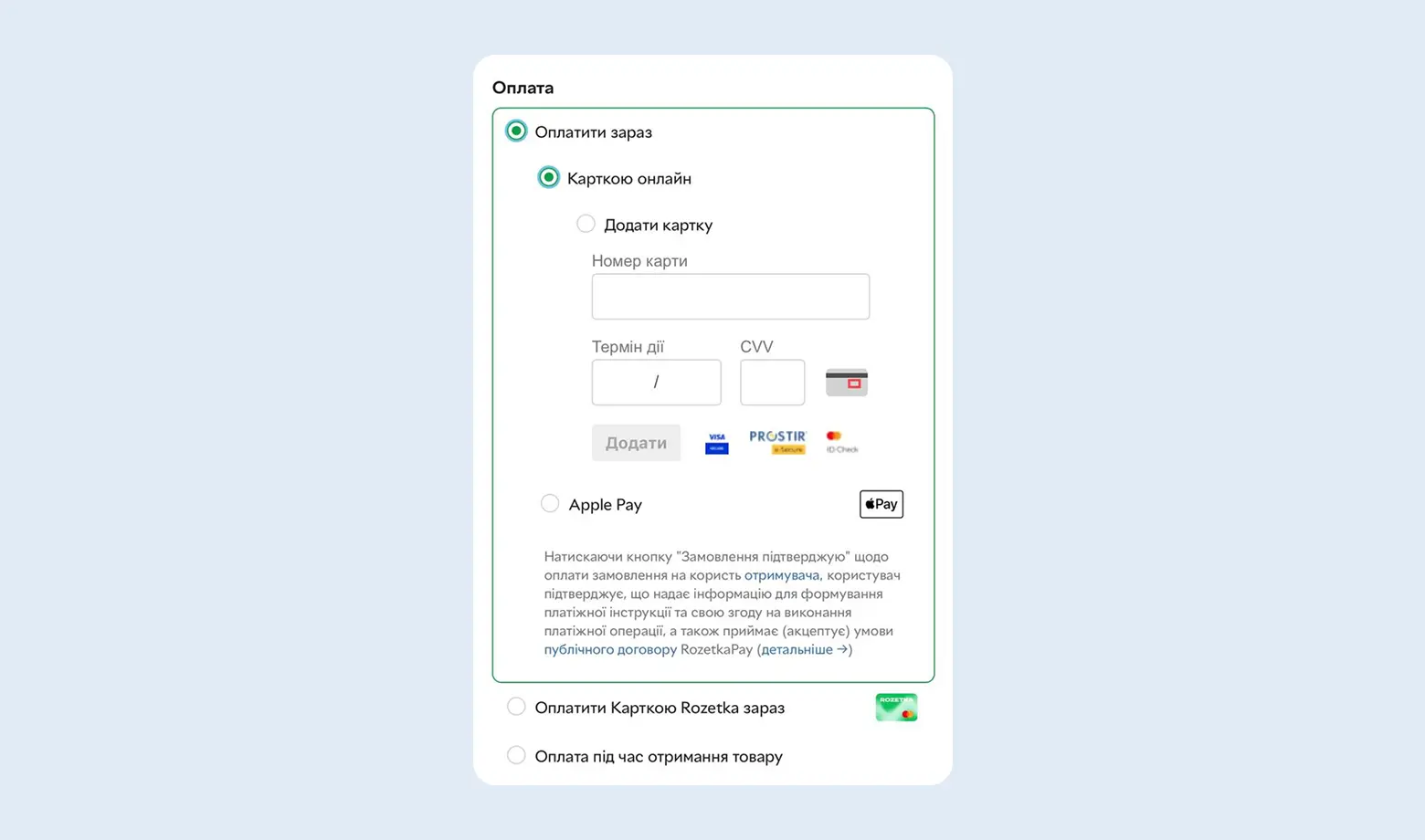
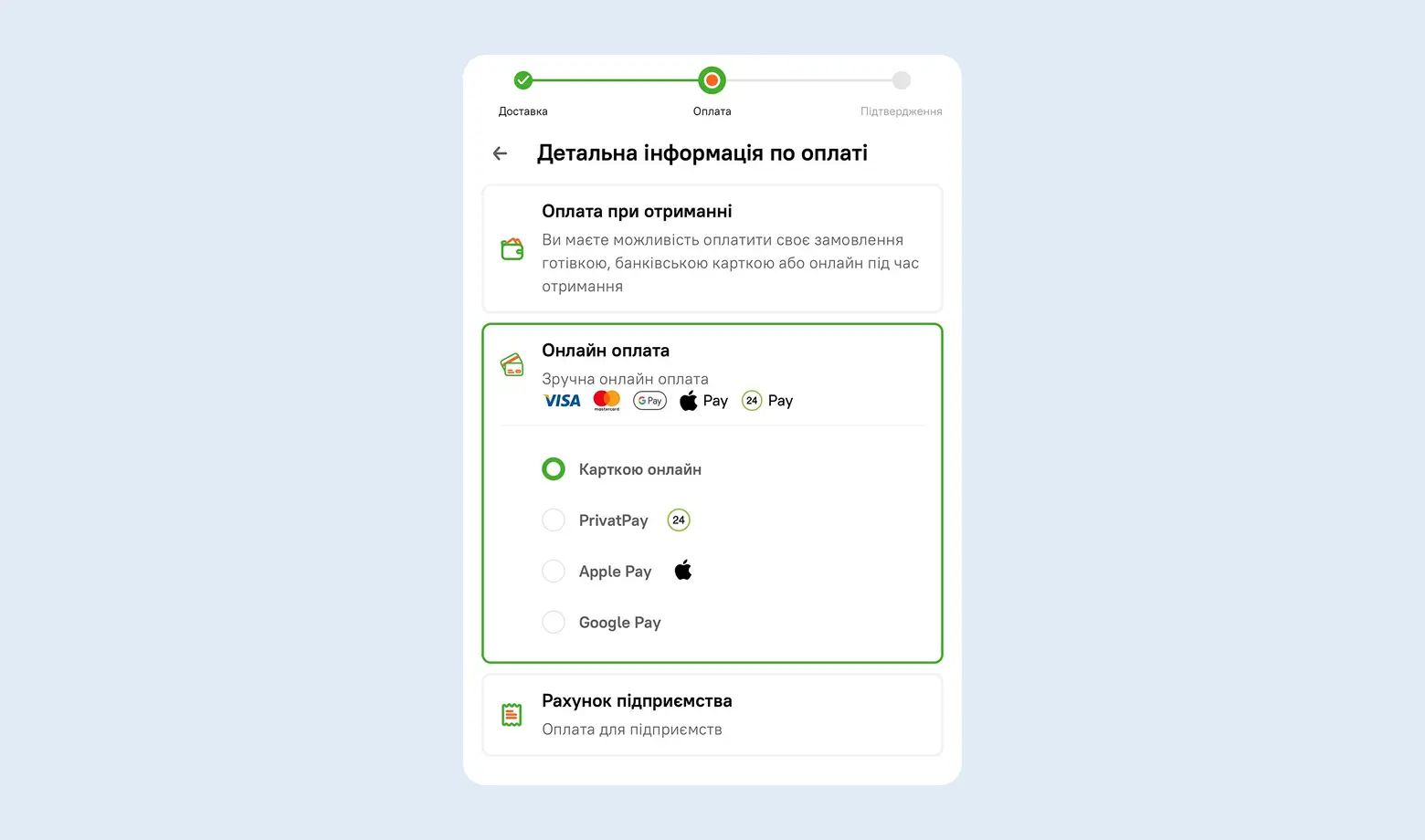
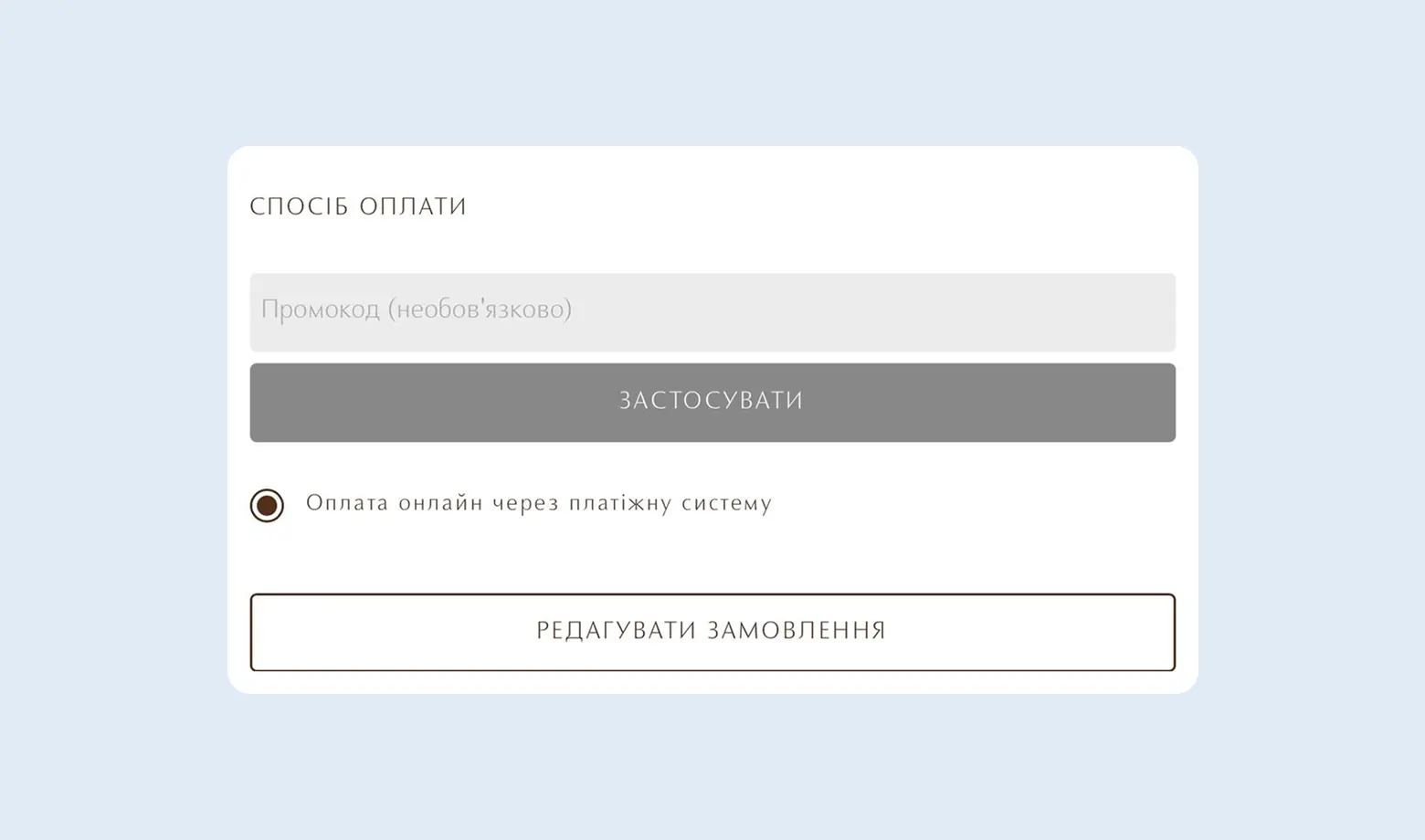
Internet acquiring is a technology that allows your website to accept payments with cards (Visa, Mastercard, PROSTIR) and mobile wallets. This is what turns your website from a showcase into a full online store that works 24/7.
Two ways to connect acquiring:
What should you choose? If you have a large business with a constant flow of payments and resources for paperwork - you can work directly with a bank. If you need to launch quickly, have several payment methods and avoid the risk of losing customers due to technical failures - a payment aggregator will be the optimal option.
Online payments without proper accounting can create problems
We will help you register a sole proprietor, set up accounting for income from payment systems and correctly declare online sales.
How to accept payments on a website: step-by-step guide
If you sell goods or services online, you need internet acquiring - a service that allows you to accept card payments directly on your website. It can be connected as a private individual, a sole proprietor or a company - the commission depends on the status.
For private individuals, the transaction fee is about 3%, while for sole proprietors or companies - 2-2.5%. The difference seems small, but if you process $10,000 in payments monthly - that is $50-100 in savings. Therefore, if the business is regular, it is more profitable to register as a sole proprietor.
Step 1. Bring the website into compliance with Visa/Mastercard requirements.
Your website is the face of the business for the payment system. To pass moderation, make sure to place:
- Public offer agreement (purchase terms).
- Privacy policy (customer data protection).
- Refund and product exchange policy (according to the Consumer Protection Law).
- Payment system logos (Visa, Mastercard) and Apple Pay/Google Pay.
- Full contact details: phone, email, physical address (if available) or sole proprietor details.
Step 2. Registration and application form
Choose a service (LiqPay, Fondy, WayForPay, etc.) and create an account. You will need to specify business activity codes (for sole proprietors) and the estimated monthly turnover. Register in the payment service.
Step 3. Moderation (Verification)
The service security team will check your website. They look for prohibited products and verify that the business activity is real. This takes from a few hours to 2 working days.
Step 4. Sign the agreement
In 2026 almost all providers work through Diia.Signature or other electronic signature services (Vchasno, Paperless). It takes about 5 minutes. Paper contracts sent by mail are now an exception.
Step 5. Integrate the payment system into the website
- For CMS (WordPress, Shopify, OpenCart, etc.): Install the ready-made plugin from the payment system and enter the API keys. A programmer is not required.
- For custom websites: Provide the API documentation to your developer.
How to choose internet acquiring
The choice of a payment service directly affects your profit. Here is what you should pay attention to in 2026:
1. Fees and tariffs
Compare not only the percentage per transaction (typically 1.3%-2.5%). Check if there are:
- A fixed fee for each payment (for example, +2-5 UAH).
- A commission for withdrawing funds to a bank account.
- A subscription fee for using the dashboard.
2. Automatic fiscalization (RRO/PRRO)
This is a critical point for Ukrainian sole proprietors. Choose services that offer automatic sending of receipts to the tax service. This will save you from manually entering each sale into a cash register.
3. Payment methods
Make sure the service supports everything your customers need:
- Bank cards (Visa, Mastercard, PROSTIR)
- Mobile payments (Apple Pay, Google Pay)
- Installments (Monobank, PrivatBank)
- Cryptocurrency (if relevant for your niche)
The more options there are - the fewer lost sales due to "I don't have that card".
4. Geography and currencies
If you work only with Ukraine - local providers will be enough. If you have international clients - you need support for multi-currency payments (USD, EUR, etc.) and international cards. This opens access to customers from other countries and simplifies cooperation with foreign partners.
Important: currently the most popular global service Stripe does not officially operate in Ukraine, but we know how to connect it legally. Details about Stripe are in our article.
5. Ease of integration
For store owners on WordPress (WooCommerce), Shopify or OpenCart, look for providers with ready-made plugins. This will allow you to set up payment acceptance in 15 minutes without a developer.
6. Security and standards
The system must have a PCI DSS certificate and support 3D Secure (confirmation through the bank app). Modern anti-fraud systems protect you from fraudulent transactions and problematic refunds (chargebacks).
7. Quality of support
When a customer's payment "gets stuck" at 20:00 on Friday, you need a live operator in Telegram/Viber, not an email with a reply in 3 days. Check the response speed of support before connecting.
Advice from buh.ua: do not choose the first service you find. Compare 3-5 providers by fees, payment methods and integration convenience - this will save money and nerves in the future. You can always ask our accountants for advice.
The most popular payment services in Ukraine in 2026
Next we will review the most popular services in Ukraine that our clients work with:
LiqPay
LiqPay is a payment service from PrivatBank and one of the most well-known electronic payment systems in Ukraine. It belongs to domestic non-bank systems and provides fast online transfers and payments through the internet.
Supports various payment methods: bank cards, Apple Pay, Google Pay, cash through PrivatBank terminals, as well as the popular installment payment function.
The LiqPay commission is 1.5% - slightly higher than Monobank (1.3%), but lower than many other providers. International transfers are also available in this service, which makes the system convenient for businesses with a global audience.
Important: the main limitation of LiqPay - funds can be withdrawn only to a PrivatBank account.
If your account is in Monobank or any other bank, you will need to transfer money between banks every month with a commission (usually 0.5-1%). For those who use PrivatBank as their main bank, this is not a problem - money arrives instantly and without additional costs.
LiqPay also has its own integration with PRRO (for example Checkbox), which is critically important in 2026.
According to business reviews, LiqPay may have difficulties processing payments from foreign cards compared to some aggregators. To accept foreign payments in LiqPay, you must separately submit a request to enable the acceptance of foreign cards (by default it may be limited).
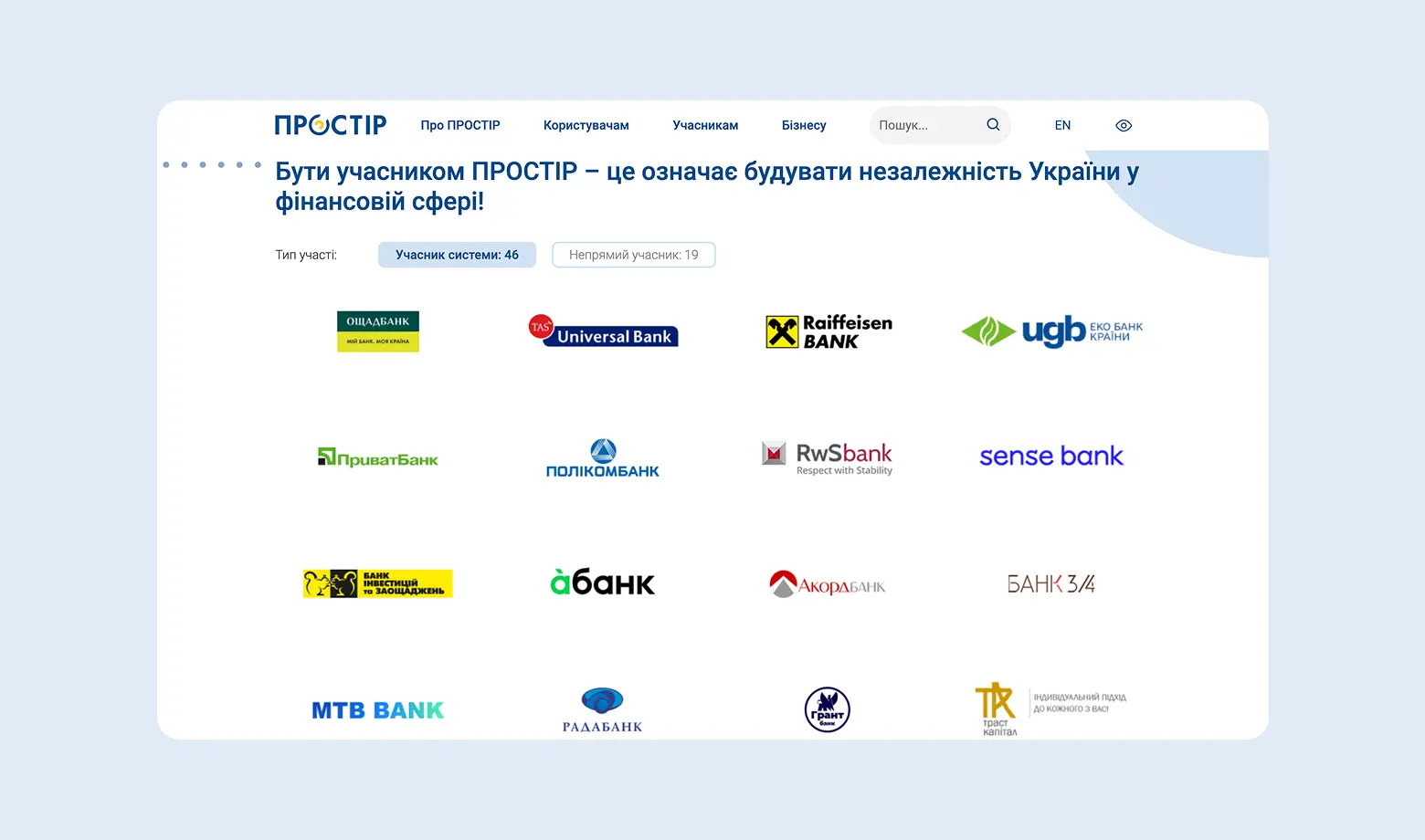
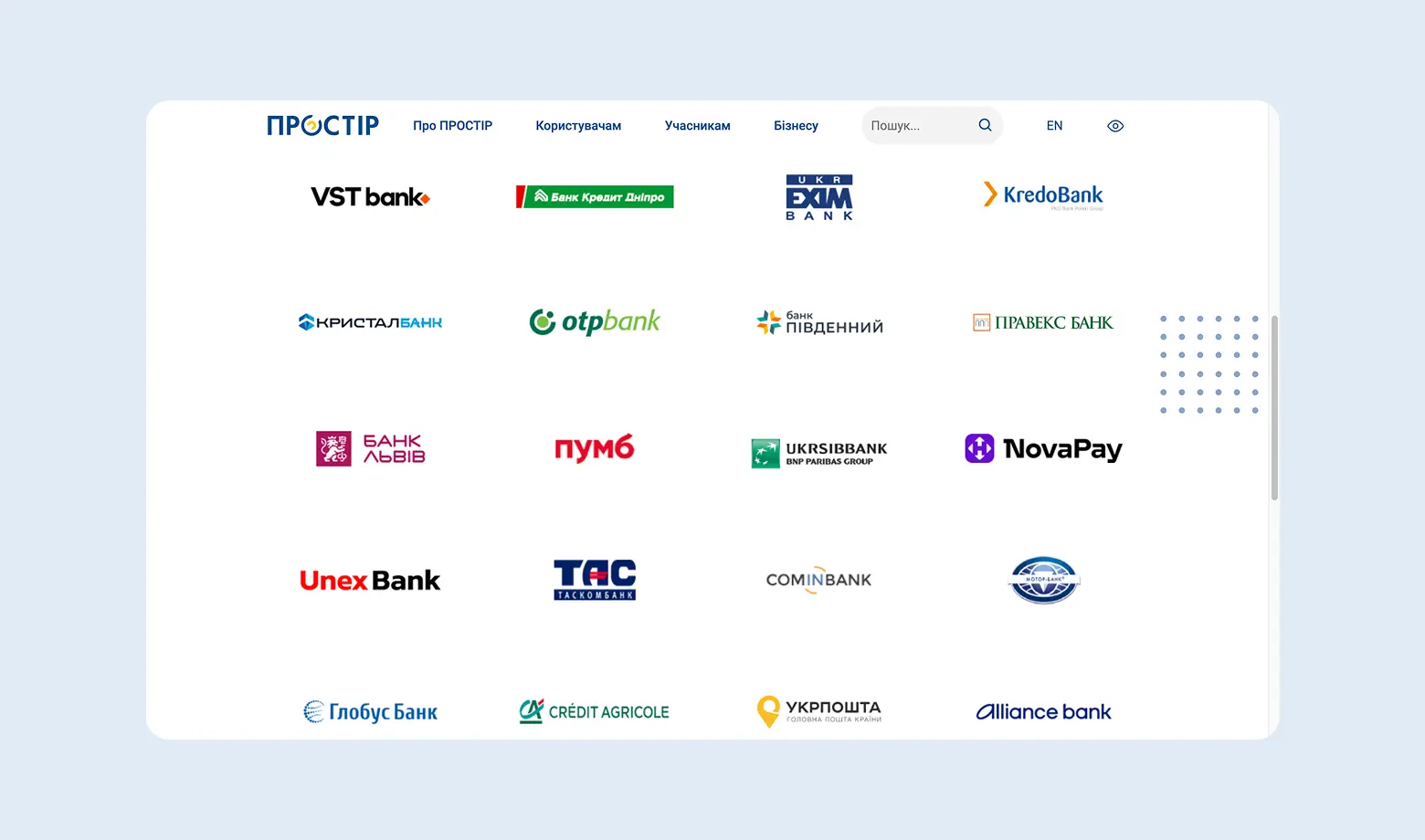
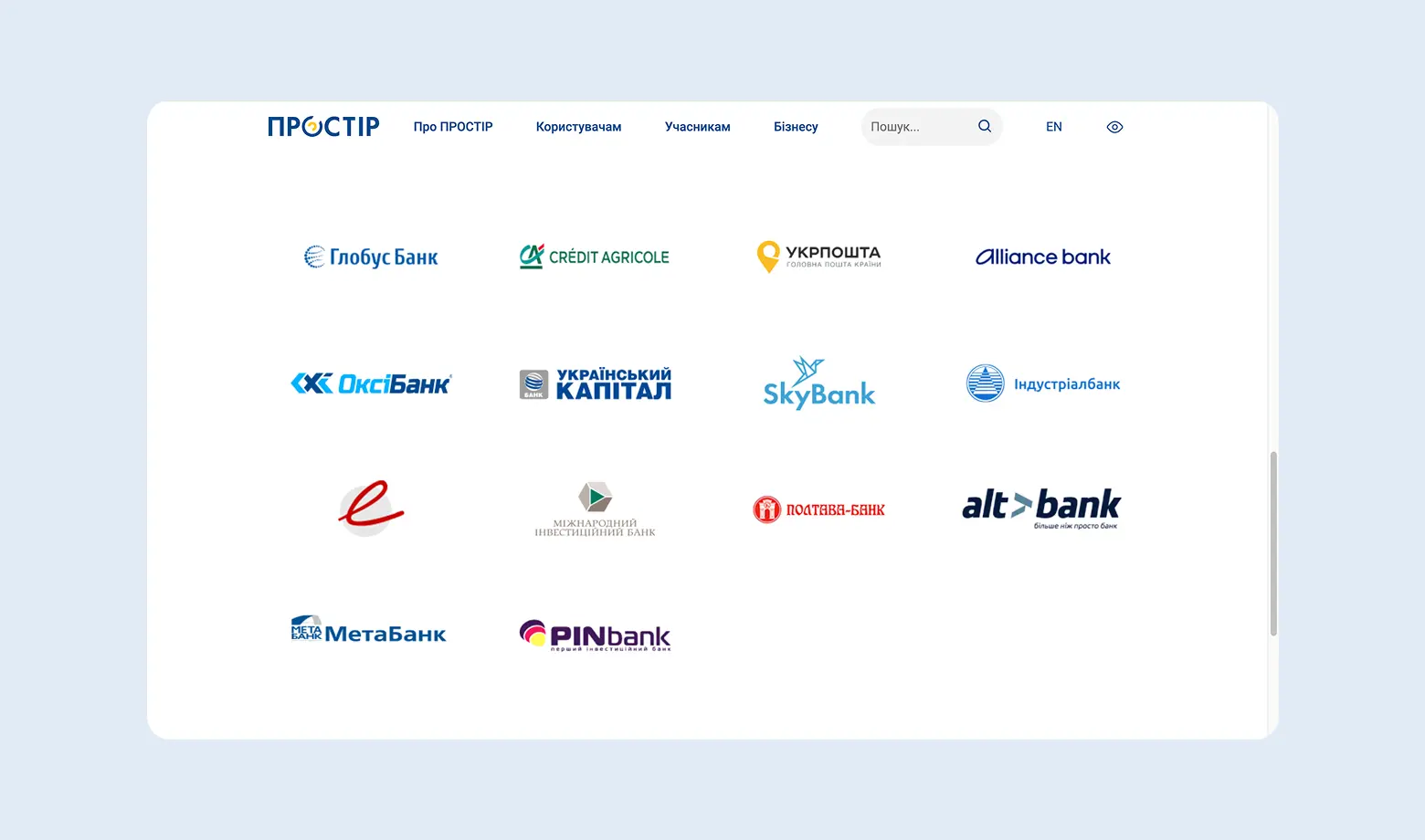
PROSTIR
PROSTIR is a development of the National Bank of Ukraine. It is a purely local product that works independently of the stability of international networks such as Visa or Mastercard.
Main feature: minimal commissions for the acquiring bank, which often allows payment services to offer lower tariffs for accepting these cards.
Another advantage is a high level of transaction security and a minimal number of fraud cases compared to international systems. PROSTIR supports the modern confirmation standard 3D Secure 2.2.0, which means additional protection for online payments through an SMS code or confirmation in the banking application.
IMPORTANT: It is impossible to pay with a PROSTIR card on a foreign website (except for special PROSTIR-UnionPay co-badged cards). If you have an international audience, you will additionally need to connect Visa/Mastercard, because PROSTIR works only in Ukraine.
Internet acquiring from Monobank
Monobank offers one of the most favorable tariffs on the market: free connection and a commission of only 1.3% per transaction.
Please note that the commission for accepting payments from non-resident cards (for example, the USA or the UK) will be higher than the standard 1.3% (check the current tariff with support).
Main feature: Check-by-mono - a built-in free PRRO system. You do not need to pay third-party services for receipt fiscalization. If you are a sole proprietor in group 2 or 3 and you need to issue fiscal receipts - choose Monobank. The built-in Check-by-mono service will save you at least 200-500 UAH per month on third-party PRRO services.
Among the disadvantages - it works only for sole proprietors/companies and requires an account specifically in Monobank. If you bank elsewhere, you will either have to switch or look for another acquiring service.
What is needed to start? The main requirement is an active sole proprietor account in Monobank. If you do not have one yet, it can be opened online for free in 15 minutes.
Acquiring is not connected for private individuals - only for sole proprietors or companies.
How does the connection process work? Everything happens online in the "Acquiring" section on the business website. No calls (only messaging in messengers) and no paper contracts - signing via Diia.Signature or KEP in the app.
Website integration
Monobank has ready-made modules for popular CMS: WordPress (WooCommerce), OpenCart, PrestaShop, Shopify, Prom.ua. If your store runs on one of these platforms, you just need to install the plugin, enter the API keys, and everything will work. The setup takes 10-15 minutes without a developer. If the website is custom - you will need to integrate the API manually, but the documentation is quite clear.
WayForPay
WayForPay is a payment system with a 2% commission that stands out with several convenient features for Ukrainian businesses. First, when connecting, documents can be uploaded directly from Diia - you do not need to manually scan a passport and sole proprietor extract, which saves time during registration.
Second, the service commission can be split with the buyer in any proportion. For example, you pay 1%, the customer pays 1%, or you cover the entire commission yourself, or vice versa - pass it completely to the buyer. This gives flexibility in pricing and allows you not to increase the product price because of acquiring commissions.
Installments from Monobank and PrivatBank
WayForPay allows you to easily connect installment payments from Monobank or PrivatBank. This increases the average order value, because customers are more willing to buy expensive products when they can split the payment into several months.
Important nuance: the commission for installments is paid by the store, not the customer.
Example: If a customer buys a product for 10,000 UAH in installments for 3 months, you will receive about 9,680 UAH in your account (minus the bank commission ~3.2%). If for 12 months - the commission can reach 15% or more. Be sure to consider this in your margin!
WayForPay is the best choice for stores with a large assortment and an average order value from 2000 UAH, where installment payments can double sales.
4bill
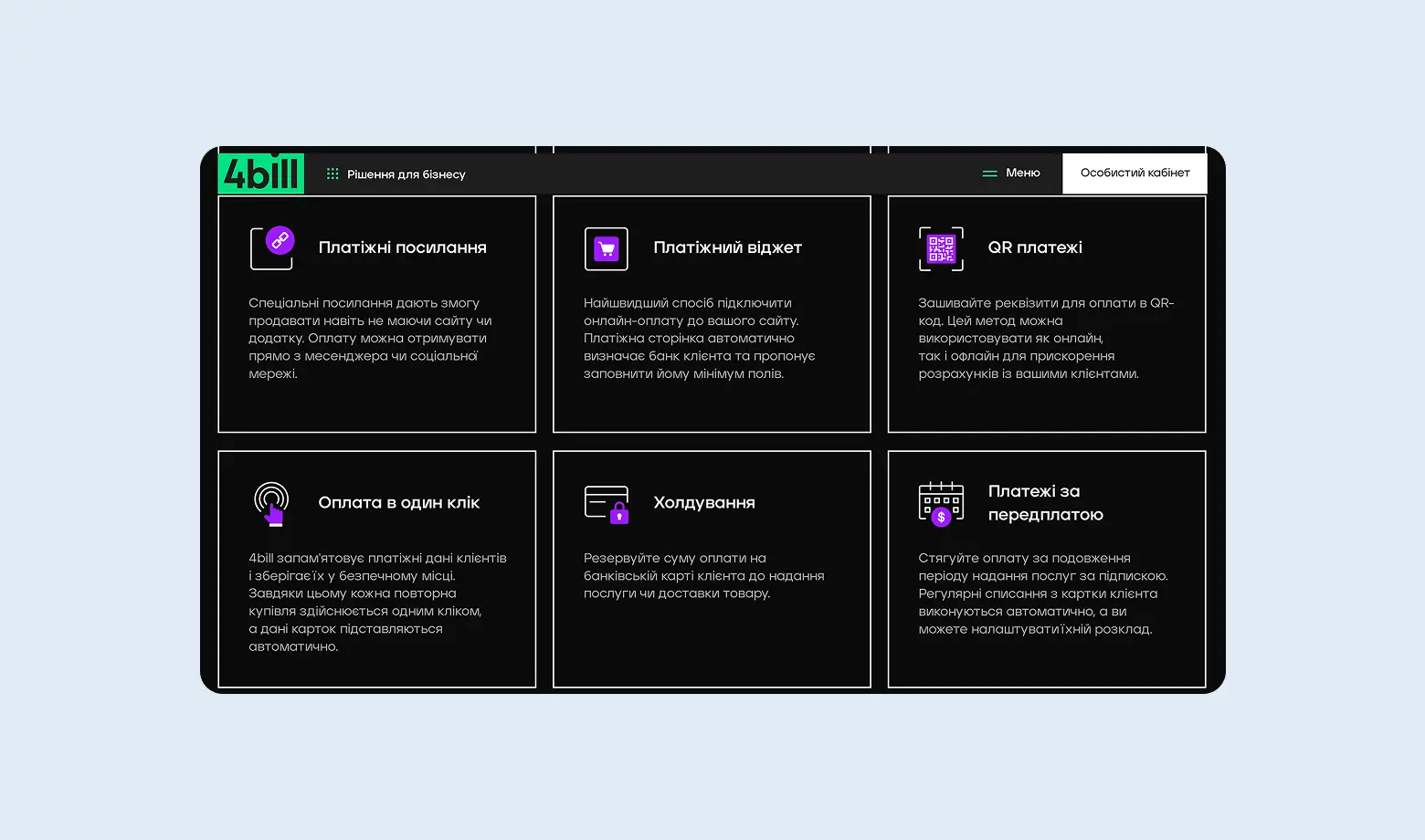
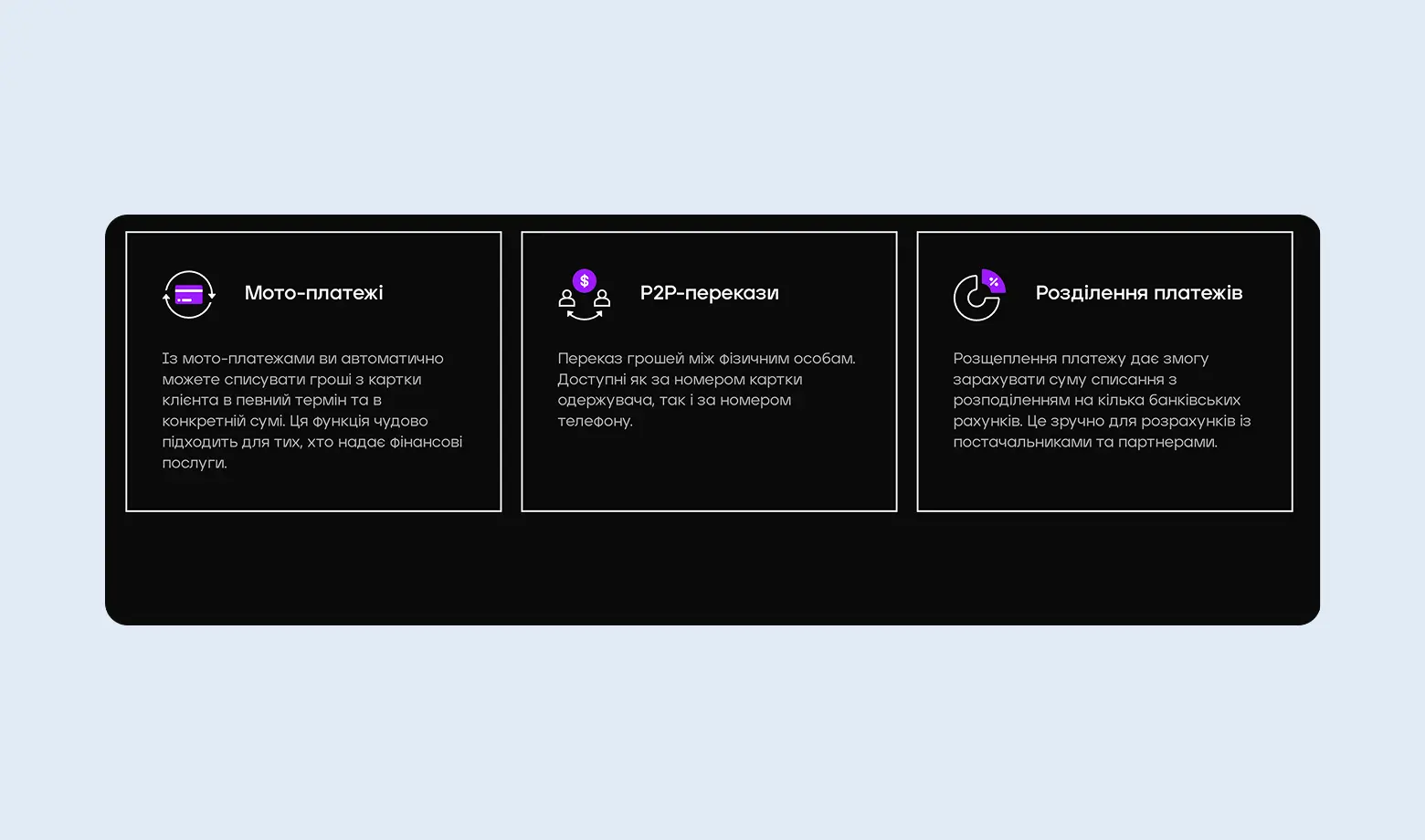
4bill is a payment aggregator that specializes in fast solutions for online businesses. It is often chosen for its flexibility in settings and high speed of processing international transactions.
Main feature: A high level of payment "approval rate". The system automatically selects the optimal banking route for the transaction to minimize the number of declines (error rate), especially for foreign cards.
If you regularly work with international clients or partners and speed matters - 4bill can become an alternative to traditional bank transfers with their delays and high commissions.
EasyPay
EasyPay is the oldest payment ecosystem in Ukraine that combines online acquiring and the largest network of payment terminals (more than 20,000 terminals across the country).
Main feature: The ability to accept cash payments. A customer can generate an invoice on your website, receive an order number and pay it with cash at the nearest terminal.
EasyPay complies with the international security standard PCI DSS, which means all card data is protected under the same rules as Visa and Mastercard.
Another advantage is the EasyPay wallet, through which commission-free operations can be performed. If a customer tops up the wallet and pays from it, you receive the money without additional deductions.
EasyPay is an indispensable tool for service companies (internet providers, utility services, educational platforms) and online stores that work with a wide audience across Ukraine.
Fondy
In spring 2024, the NBU canceled the registration of Fondy in Ukraine (LLC "FC Alliance"), so currently the service cannot accept payments for Ukrainian sole proprietors/companies directly to accounts in Ukrainian banks.
However, Fondy remains a powerful solution for Ukrainian entrepreneurs who have registered companies in the USA or the EU. If your business is scaled globally, Fondy is one of the most technologically advanced gateways.
If you work exclusively with the Ukrainian market - choose Monobank or WayForPay. But if your business is registered in Europe and focused on Western customers - Fondy will provide the highest payment approval rate.
How to choose a payment system
Acquiring commissions vary slightly - from 1.3% to 3%.
With small turnover the difference is not critical: if you process 50,000 UAH per month, the difference between 1.3% and 2% is only 350 UAH. But with a turnover from 500,000 UAH per month you can negotiate an individual tariff with lower commissions.
When choosing a system, consider not only the commission percentage but also other factors: ease of installation, the ability to withdraw funds to any bank account (not only to one specific bank), and the availability of required payment methods (cards, Apple Pay, installments, etc.).
A critically important factor is the percentage of transaction errors, especially for international payments. Some systems (including LiqPay) may have issues processing payments from foreign customers - transactions simply fail without a clear reason. If your audience is international, this may cost up to 30-40% of lost sales. In such cases it is worth having a backup payment option or choosing a provider with more stable international card processing.
If you sell digital products (courses, subscriptions, content), it is also worth exploring how Patreon works - it can be an alternative to traditional acquiring for recurring payments from your audience.
By the way, we have an article explaining in detail how to work with Patreon and withdraw funds.
Comparison table of payment systems
| System | Commission *(UA cards) | PRRO (Receipts) | Withdrawal of funds | International payments | Main feature |
|---|---|---|---|---|---|
| Monobank | 1.3% | Free built-in | Only to Mono | Stable | Lowest commission and easy start |
| LiqPay | 1.5% | Integration with Checkbox | Only to Privat | Possible issues | Installment payments, strong brand trust |
| WayForPay | 2.0% | Integrations available | Any bank | Stable | Integration with Diia, commission split |
| Fondy | 2.0-2.4% | For EU companies | To foreign account | Best for EU | Works through a foreign company |
| EasyPay | 2.0-3.0% | Solutions available | Any bank | Limited | Cash payments through terminals |
| 4bill | from 2.0% | On request | Any bank | USA, EU, Asia | High approval rate for foreign payments |
| PROSTIR | < 1.0% | Depends on the bank | Any bank | Does not work | Only Ukraine (cards for pensioners/IDPs) |
*The fees are stated as of the publication date and may vary depending on turnover, business category, and the provider’s terms - always check the service provider’s website for current rates.
What should you choose?
- If you are a sole proprietor working only in Ukraine: Definitely Monobank. It offers the lowest commission (1.3%) and a free solution for issuing fiscal receipts (PRRO).
- If you have many international customers: Choose WayForPay or 4bill. They have a lower decline rate for cards from the USA and Europe.
- If you sell expensive goods (electronics, furniture): You need LiqPay or WayForPay because of their best installment payment conditions.
- If you run a subscription service (courses, clubs): 4bill or Fondy (for foreign companies) work best with recurring payments.
- If your customers often pay in cash: Add EasyPay as an alternative payment method through terminals.
Do not limit yourself to one system. In 2026 the "good practice rule" is to have a primary acquiring system (with a low commission for Ukraine) and a backup one (for accepting foreign payments) so you do not lose customers due to technical failures of one bank.
FAQ: frequently asked questions about payment systems and acquiring
Is it possible to accept payments without being a sole proprietor?
Technically - yes, some aggregators (for example WayForPay) allow connection for individuals. However, this comes with significant risks:
- You are required to pay 23% tax on income, while a sole proprietor pays only 6%.
- The bank may block your personal card for "misuse", because it is not intended for business operations.
- The tax authority may treat this as illegal entrepreneurship (fine from 17,000 to 34,000 UAH with confiscation of revenue).
You can accept payments without a sole proprietor only for one-time sales of used items or testing a niche for 1-2 weeks. For long-term work - register a sole proprietor.
Which payment system is the cheapest?
Competition between banks has led to tariffs on the Ukrainian market becoming almost equal. Here are the current figures:
- Monobank: 1.3% for Ukrainian cards and 2% for foreign ones. This is the "gold standard" of the market. Sole proprietor account maintenance - 0 UAH.
- LiqPay (PrivatBank): Also offers 1.3% for most business categories. A huge advantage - individual tariffs (from 1%) for utility services, housing associations and charitable foundations.
- WayForPay and Portmone: The base rate is usually 2-2.2%. This is more expensive than banks, but you pay for additional services: cascading payments, convenient dashboards and the ability to withdraw money to any IBAN (not only Privat or Mono).
Important for high turnover: If your store sells more than 500,000 UAH per month, you have every right to request individual conditions. Most aggregators are ready to reduce the commission to 1.7-1.8%, and banks - even below 1.3% to retain a large client.
Does the tax office see payments on my website?
There is no direct "website - tax authority" integration, but in 2026 there are several legal ways how information becomes known to regulatory authorities:
- Automatic fiscalization (PRRO): If you connected PRRO to your acquiring system (as required by law), the tax authority receives data about each receipt at the moment of payment.
- Bank financial monitoring: Banks are required to report suspicious transactions. Regular transfers from payment systems (LiqPay, Mono, etc.) to a personal card are a red flag for the bank and may lead to account blocking and a request from the tax authority.
- International data exchange (CRS): Even if you withdraw funds to Wise, Revolut or Payoneer, Ukraine receives data about these accounts within the framework of annual automatic information exchange. Anonymity in foreign neobanks no longer exists.
- Test purchases and online monitoring: The tax authority actively uses specialized software to detect online stores that accept payments but do not issue fiscal receipts.
In 2026 trying to "hide" income from acquiring is a high-risk strategy. We recommend working legally: register a sole proprietor, choose the optimal tax group and connect PRRO. This is much cheaper than the total fines for illegal entrepreneurship and hiding income.
How long does it take to connect acquiring?
In 2026 the technical connection happens almost instantly, but legal verification (moderation) depends on the chosen service:
- Monobank: 1 working day. If you already have a sole proprietor account, you simply sign the application in the app and API access opens within a few hours.
- LiqPay: 1-2 working days. PrivatBank usually checks websites quickly, especially if you are already their client.
- WayForPay: 1-2 working days. Thanks to integration with Diia, document verification takes place in a semi-automatic mode.
- 4bill and Fondy: 3-5 working days. Because they work with international banks, these systems conduct a deeper verification of the website for risks and compliance with Visa/Mastercard standards.
- EasyPay: up to 7 working days, especially if you connect not only the website but also payments through the terminal network.
Want to launch within 24 hours? Choose Monobank or WayForPay, but prepare your website in advance because this is the most common cause of delays.
Can I use multiple payment systems at the same time?
Yes, and it is even recommended, especially for an international audience. For example:
- Monobank for Ukrainian customers (low commission)
- WayForPay or Fondy for foreign customers (more stable processing)
- EasyPay if part of the audience pays in cash
Some customers simply will not be able to pay with a certain payment system (technical restrictions, blocked cards). Having alternatives saves sales.
What to do if a customer complains that the payment is not going through?
First, check whether the integration is configured correctly on your side (API keys, test payments).
Second, ask the customer to:
- try another card
- check the card balance and limits
- contact the bank (sometimes the bank blocks "suspicious" online payments)
If the problem is massive (many customers complain) - contact the payment system support. There may be a technical issue on their side or your website may be on the anti-fraud blacklist.
Conclusion
The choice of a payment system depends on your audience, turnover and business model. At the beginning one system may be enough (Monobank for Ukrainian customers, WayForPay for international ones), and as turnover grows you can add alternatives.
The key point - remember about income legalization. Regardless of how many payment systems you use and how you withdraw money, under Ukrainian law this is income that must be taxed. If you are not sure how to properly register a sole proprietor and declare income from online sales, contact our accountants - they will help you choose the optimal tax system and explain everything.
Do you accept payments through a website or payment systems?
Remember: under Ukrainian law this is considered income that must be taxed. It is important to properly register a sole proprietor, choose a tax system and correctly record incoming payments in accounting.